





Description
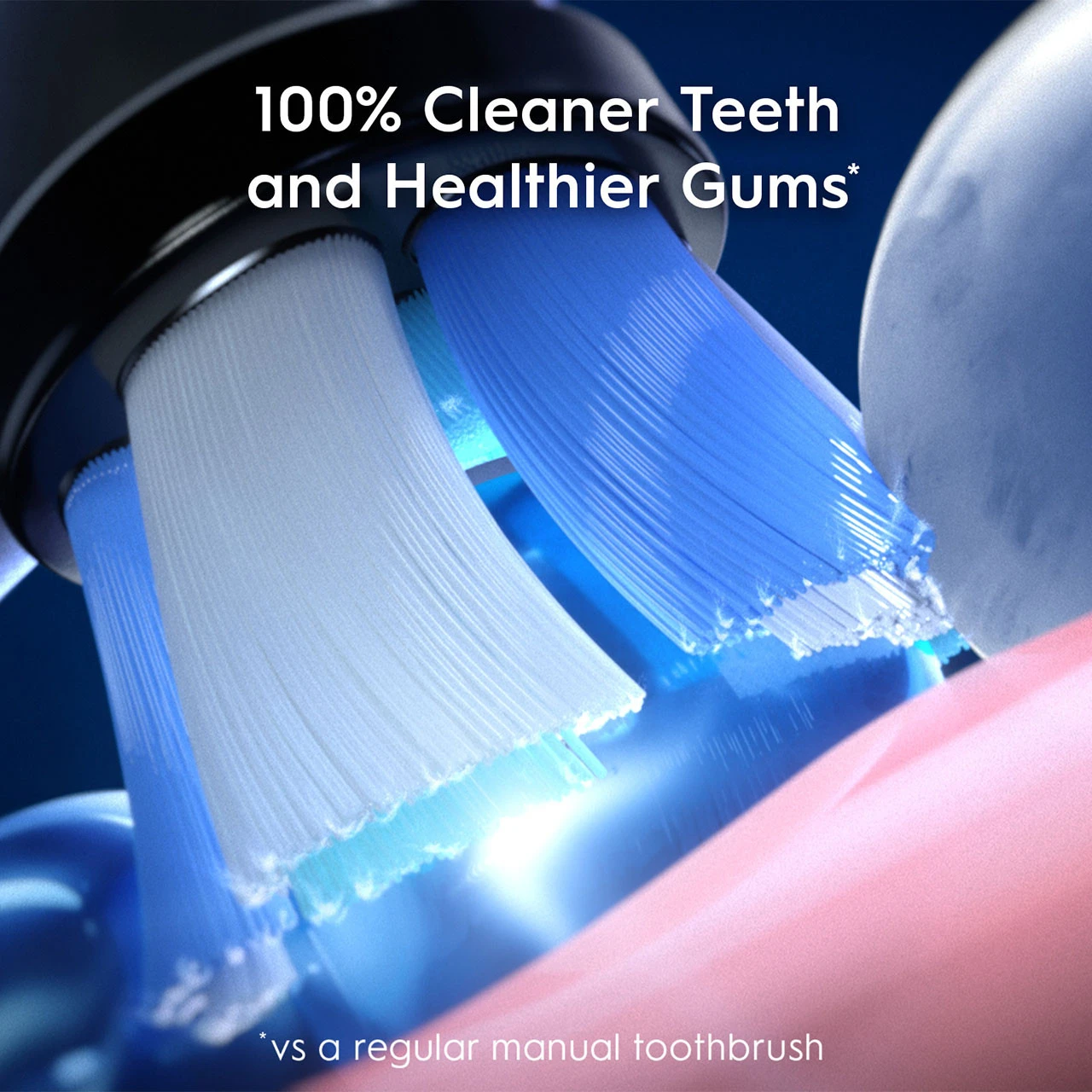
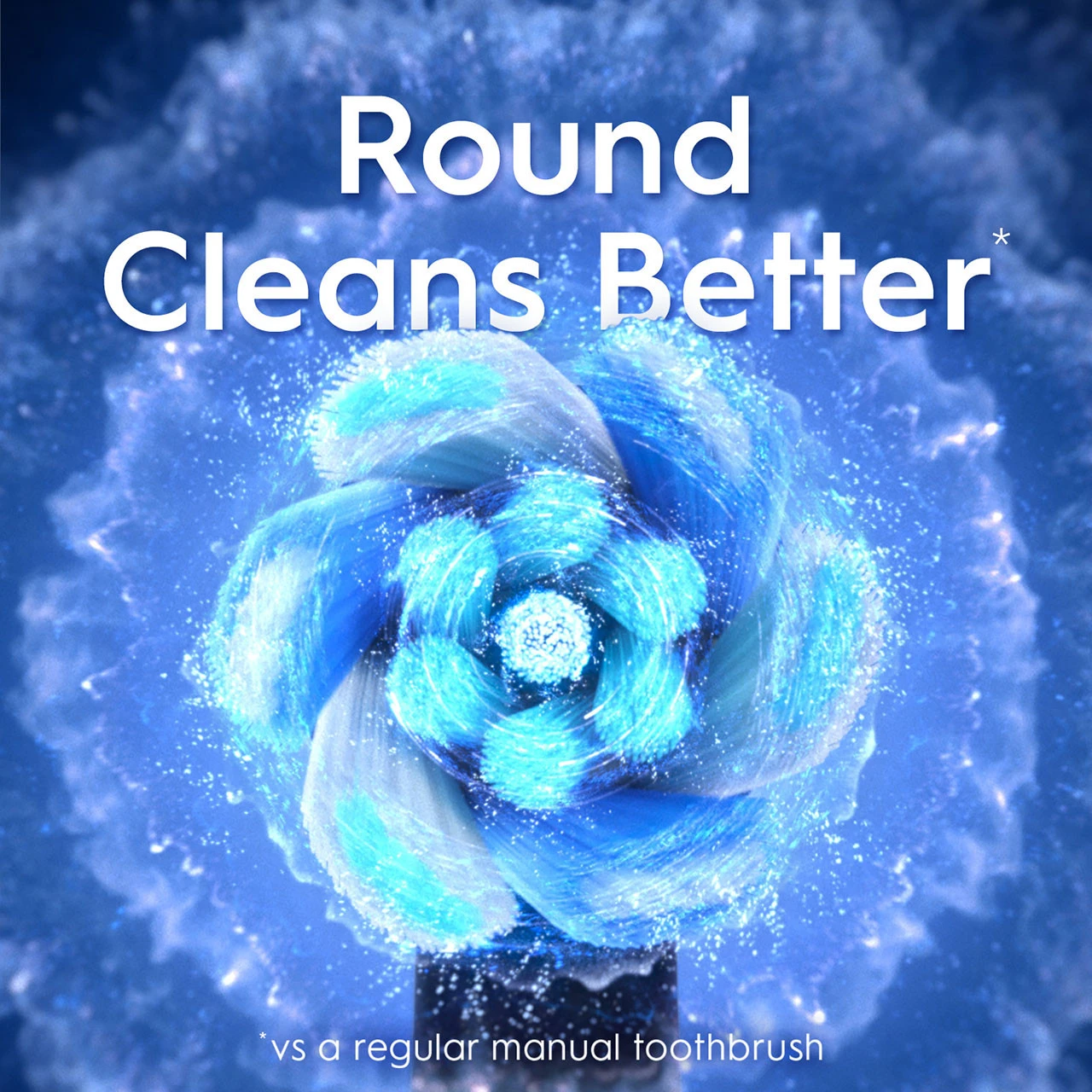
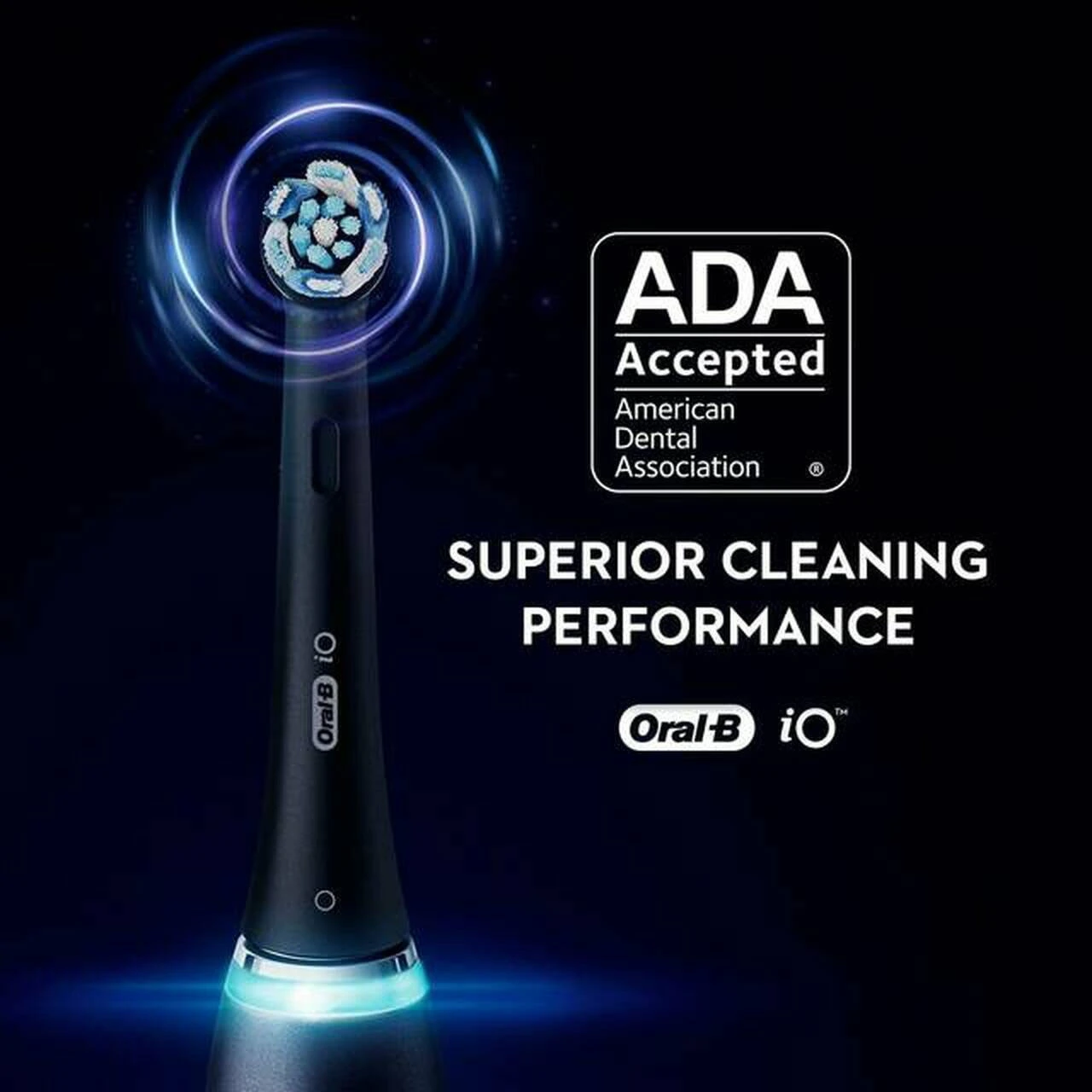
- Our dentist-inspired round brush head reaches deep between teeth to remove 100% more plaque than a regular manual toothbrush.
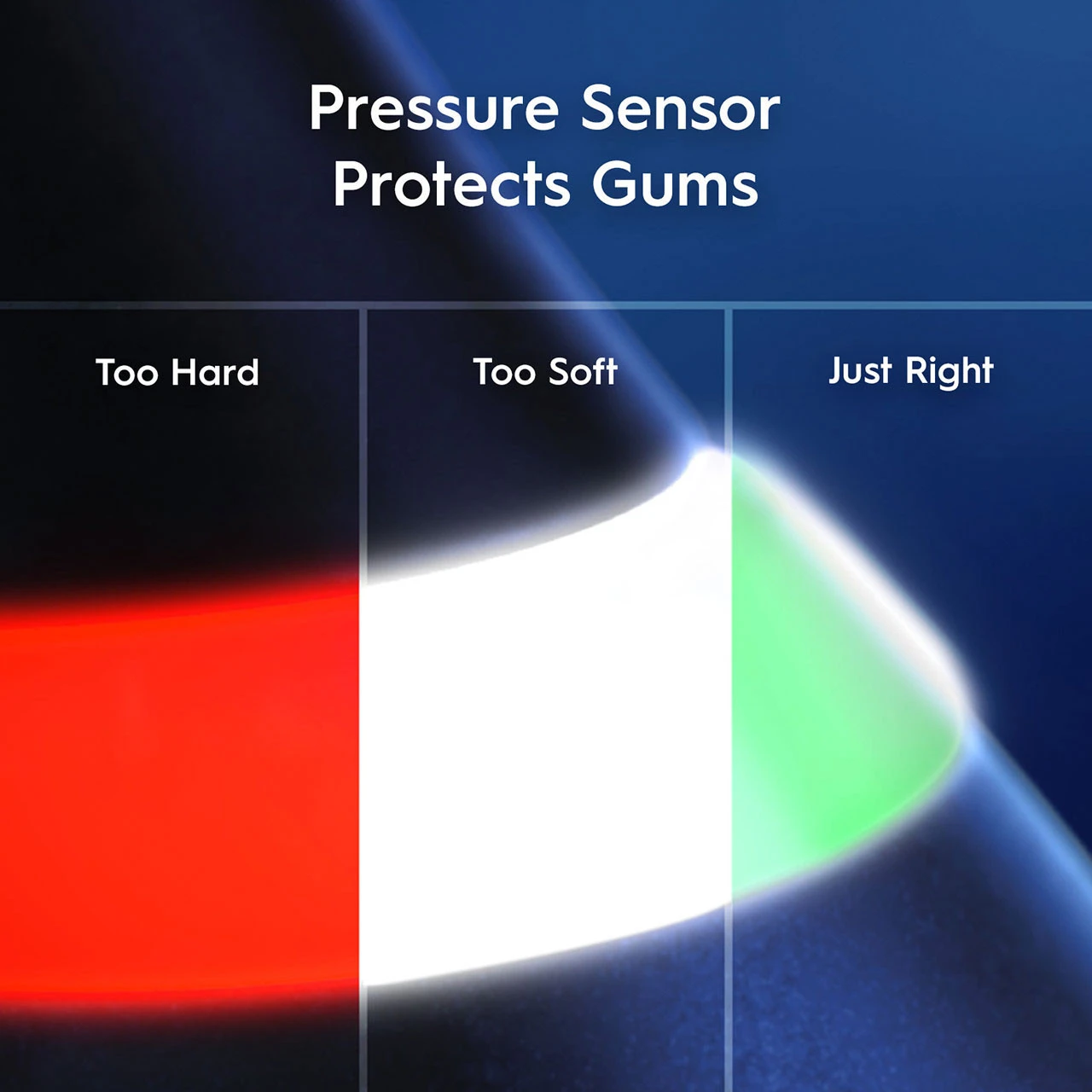
- Protect your gums and enamel from overbrushing with the Smart Pressure Sensor, which lets you know if you’re brushing too hard, too soft, or just right for a safe and effective clean.
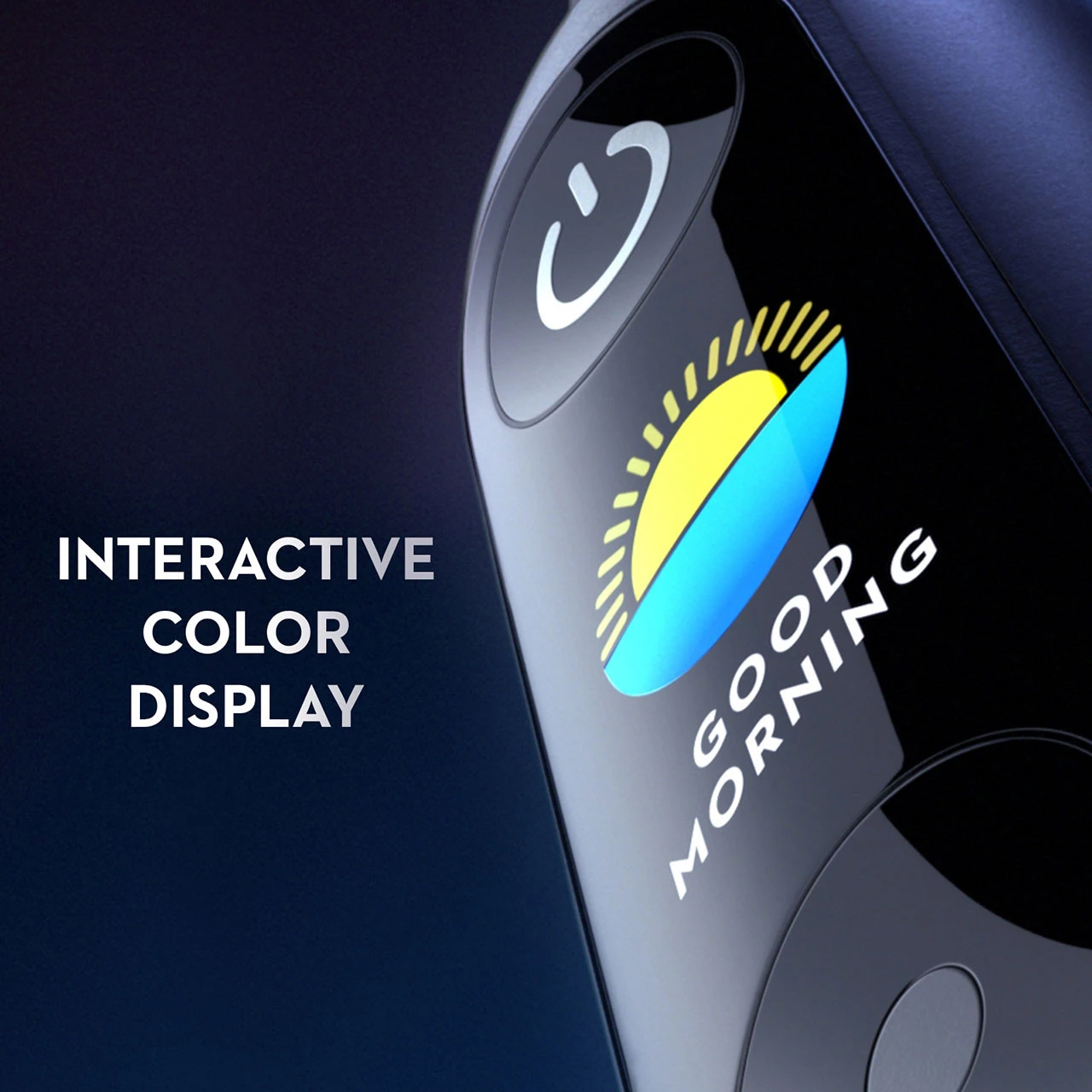
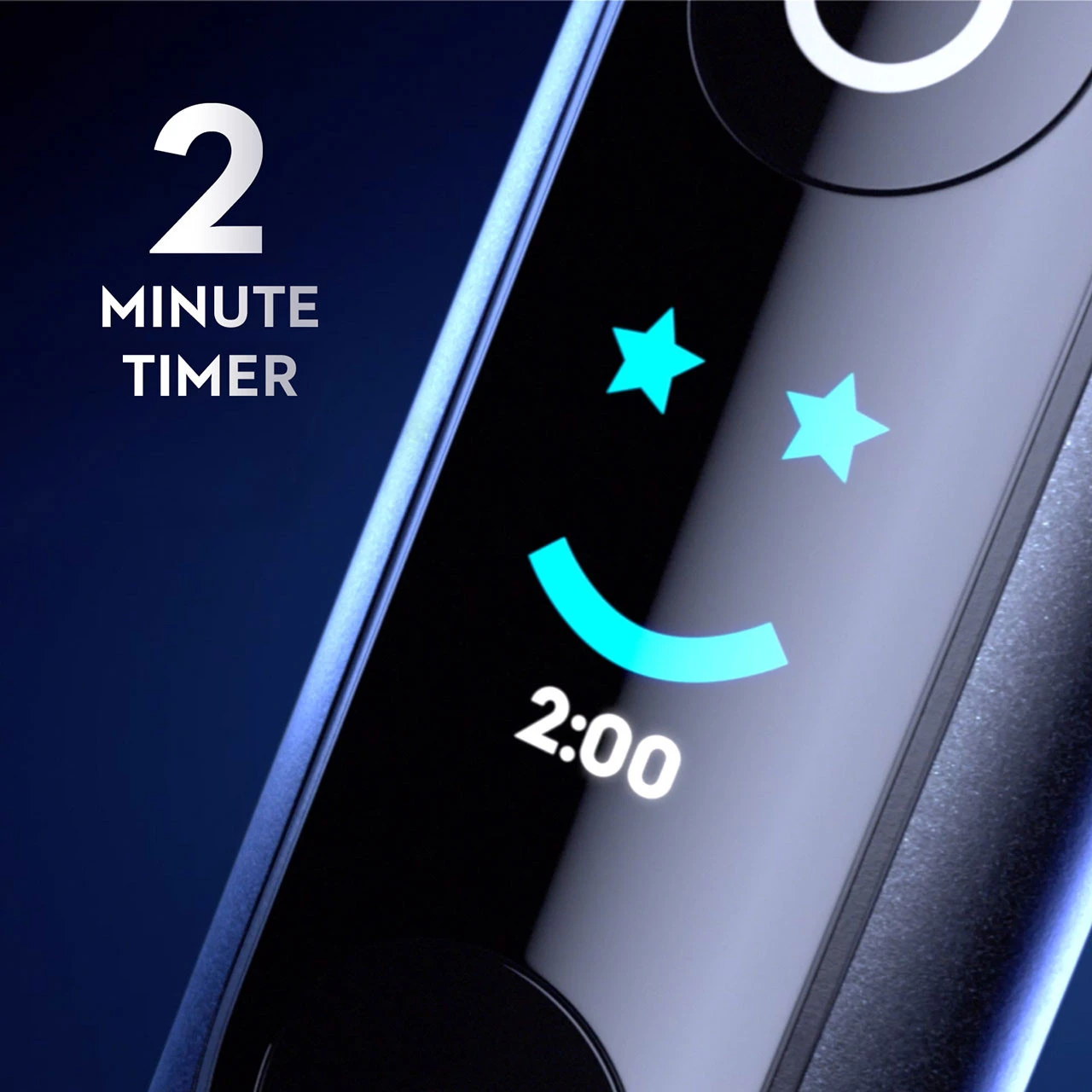
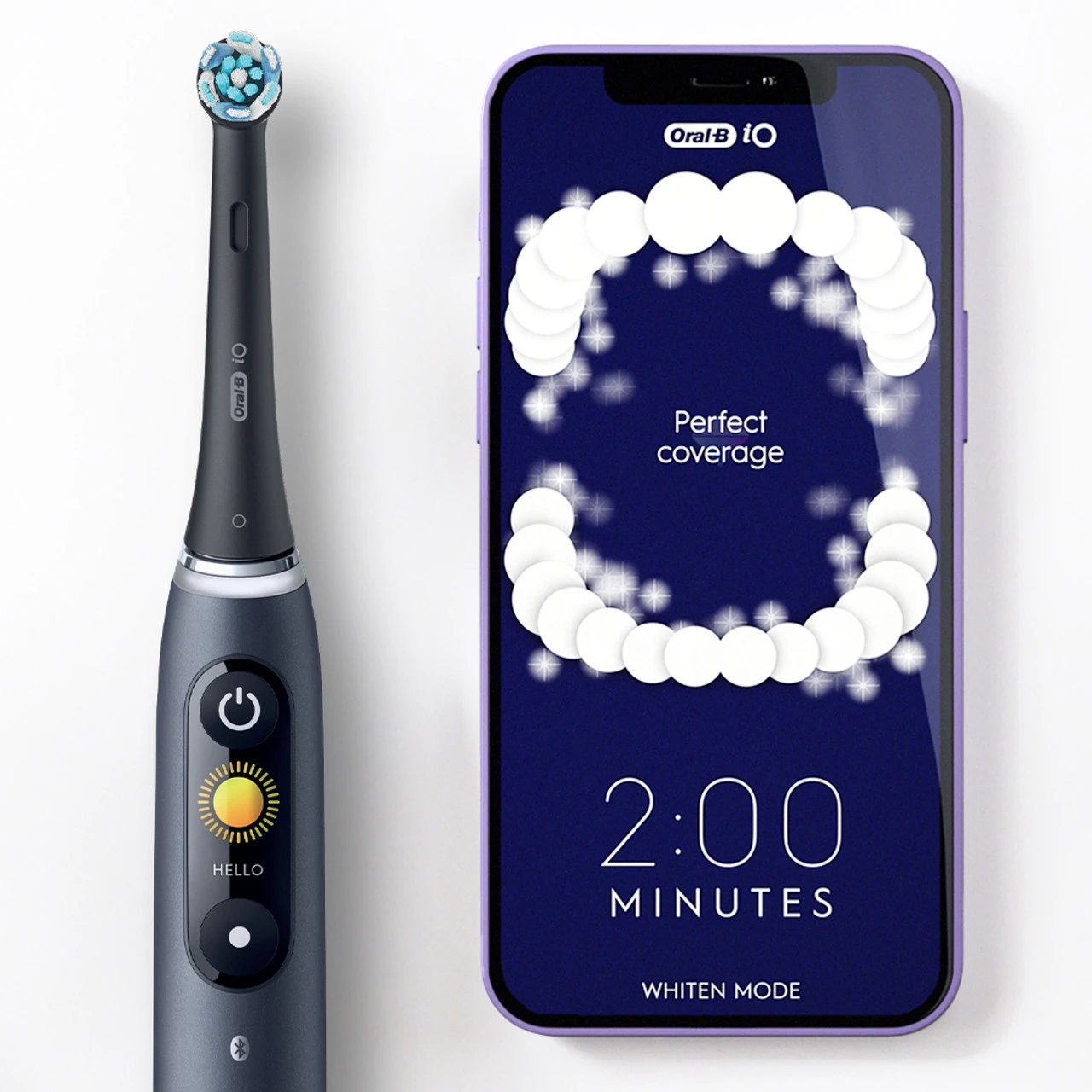
- Experience the interactive color display that visually communicates your mode setting, charging status, 2-minute timer, and additional features.
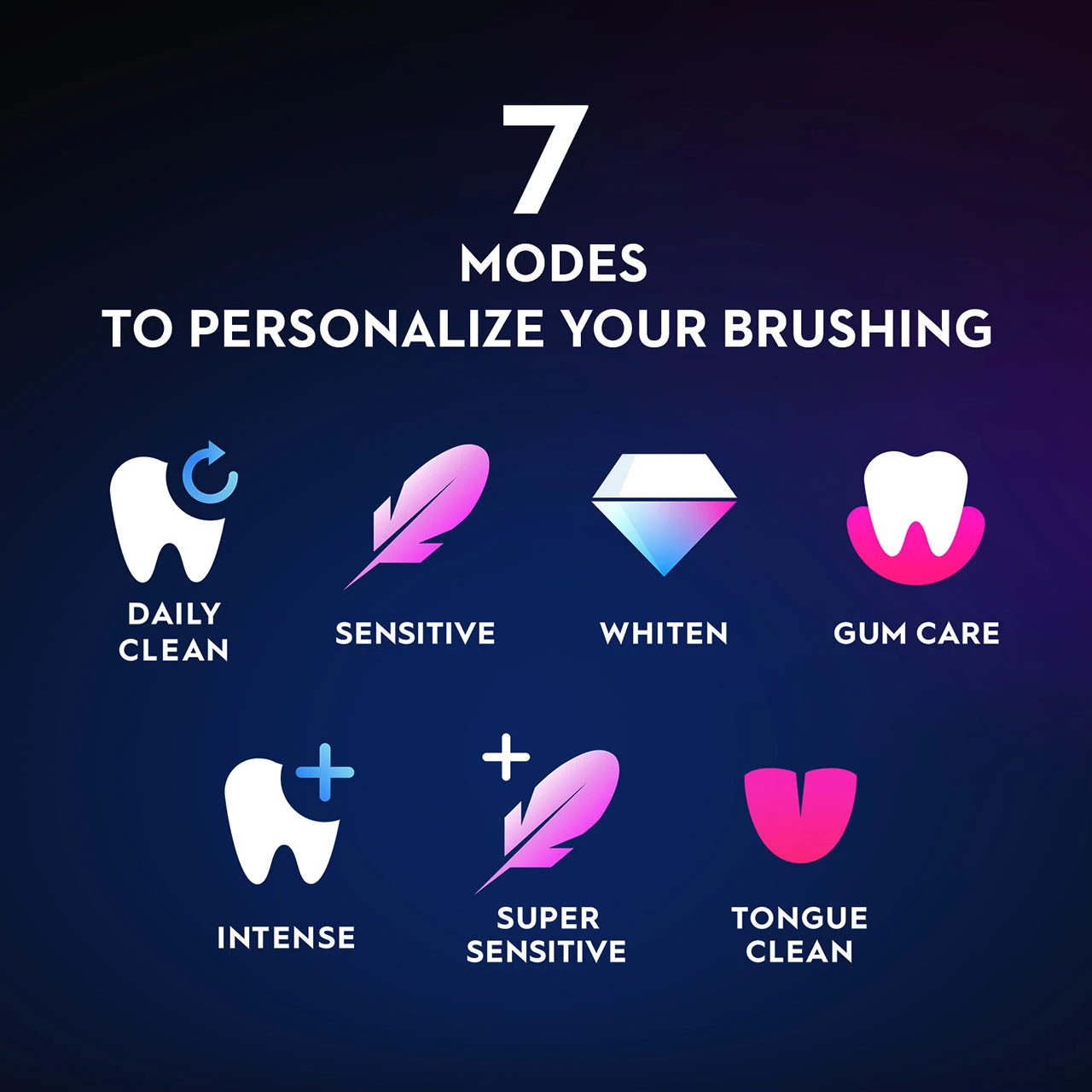
- Personalize your clean with 7 Smart Brushing Modes: Daily Clean for everyday healthy teeth and gums, Whiten to make your teeth brighter, Gum Care for a gentle massage of gums, Sensitive for people with mild tooth sensitivity, Super Sensitive for those with greater tooth sensitivity, Intense Clean for an extraordinary clean feeling, and Tongue Clean to give you that full-mouth freshness.
- Enhance your brushing habits and achieve a complete clean by connecting to the Oral-B App, which uses smart brushing recognition and 3D Teeth Tracking to help guide whole mouth coverage.
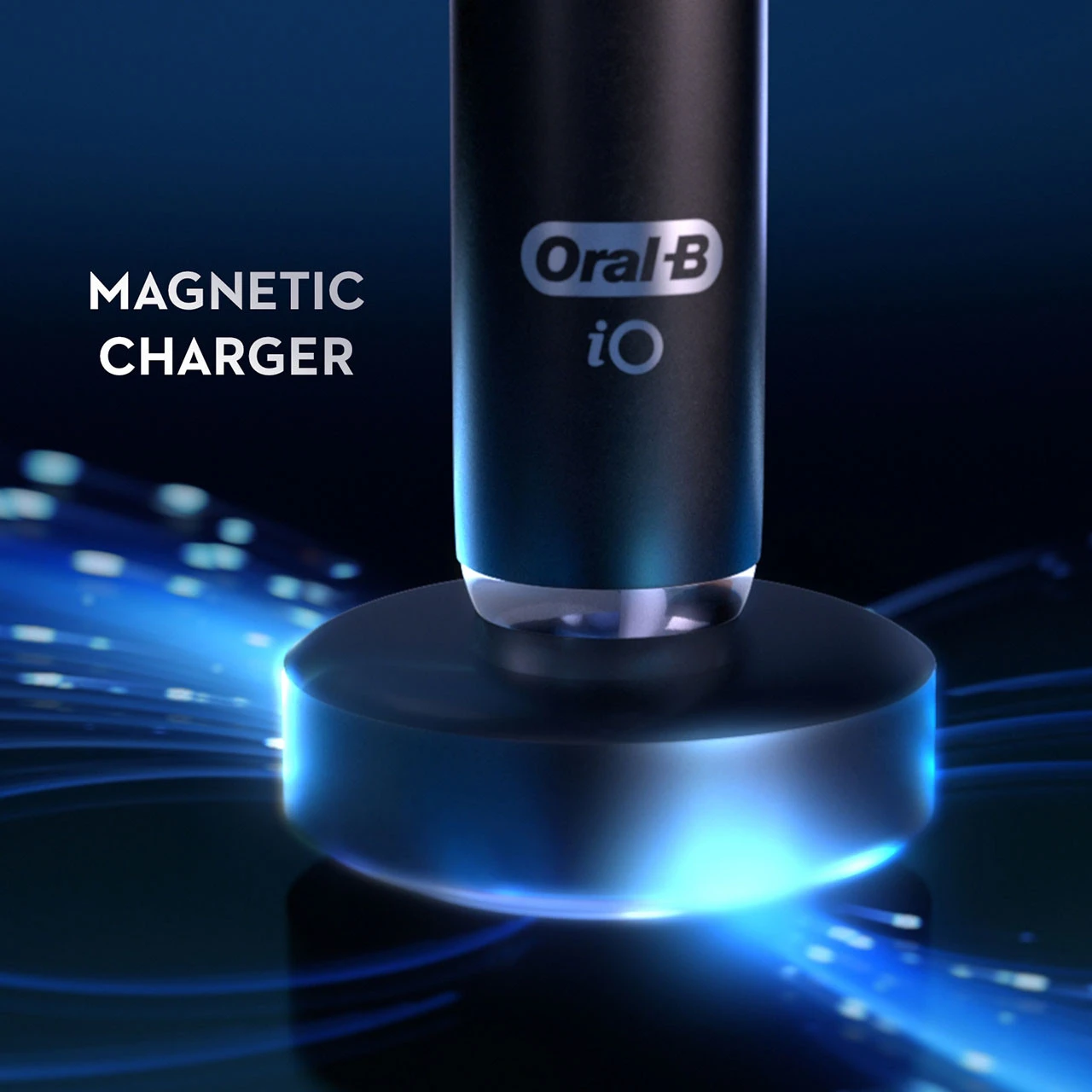
- The Oral-B iO Magnetic Charger delivers a full charge in just ~3 hours.
- Oral-B is the #1 dentist-recommended toothbrush brand worldwide
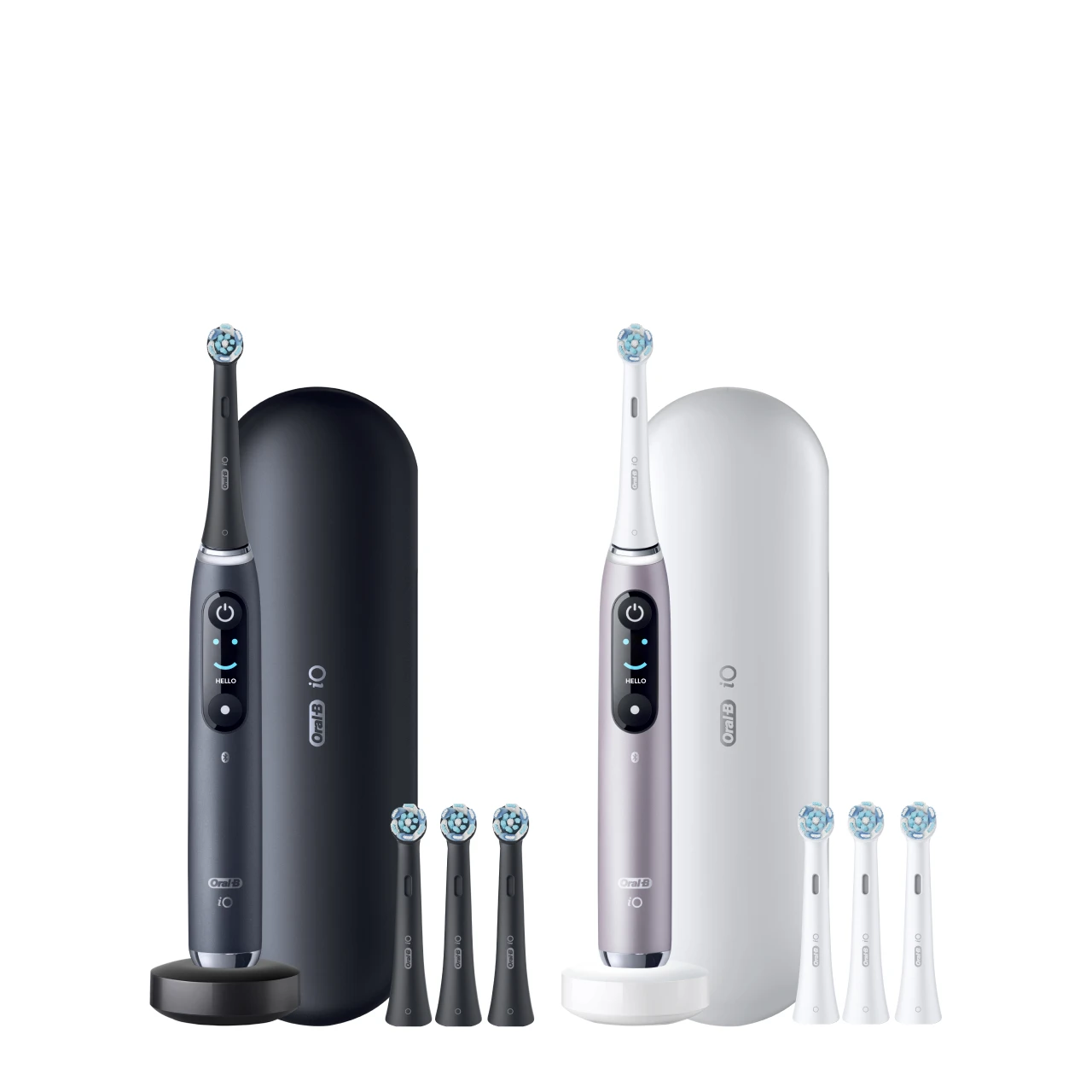
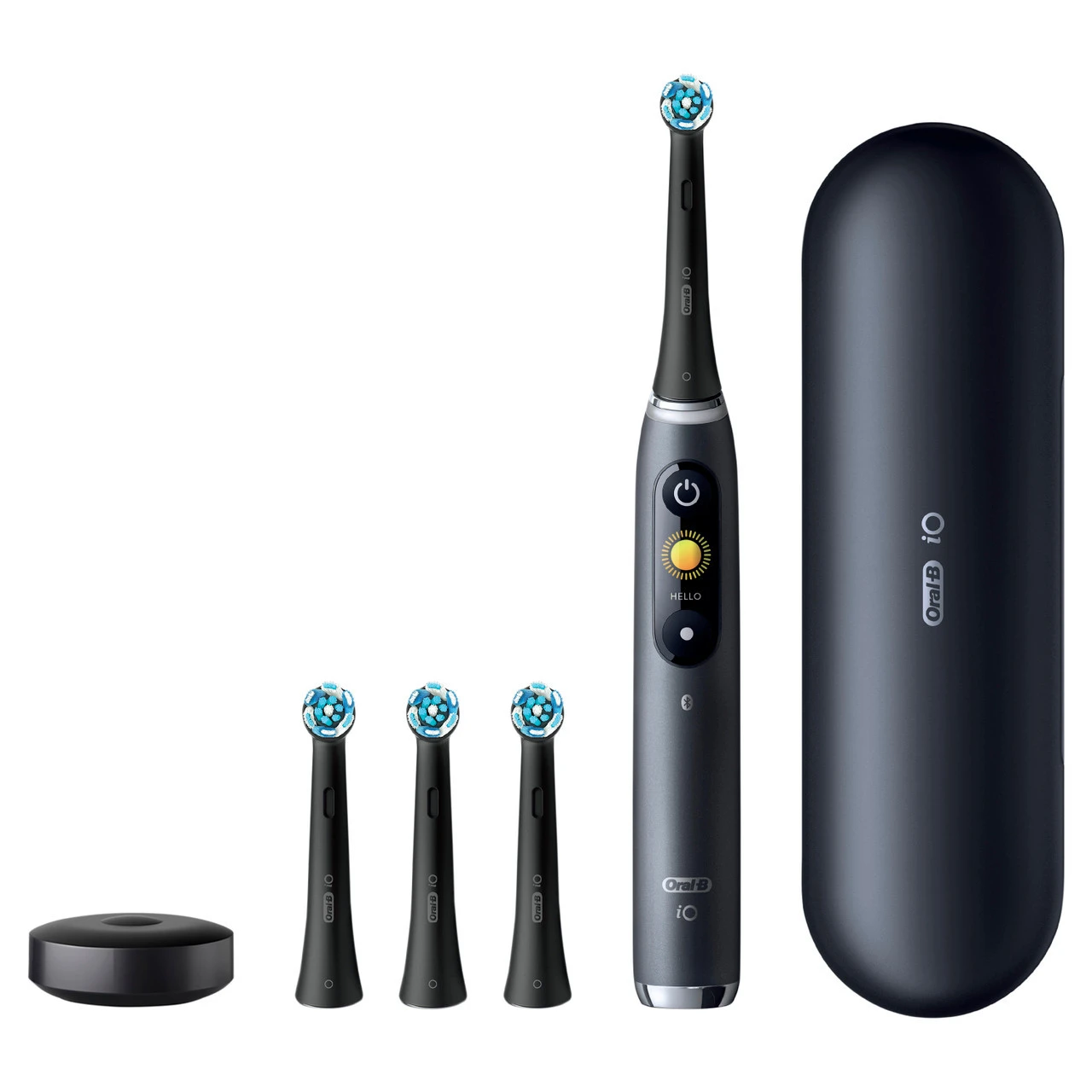
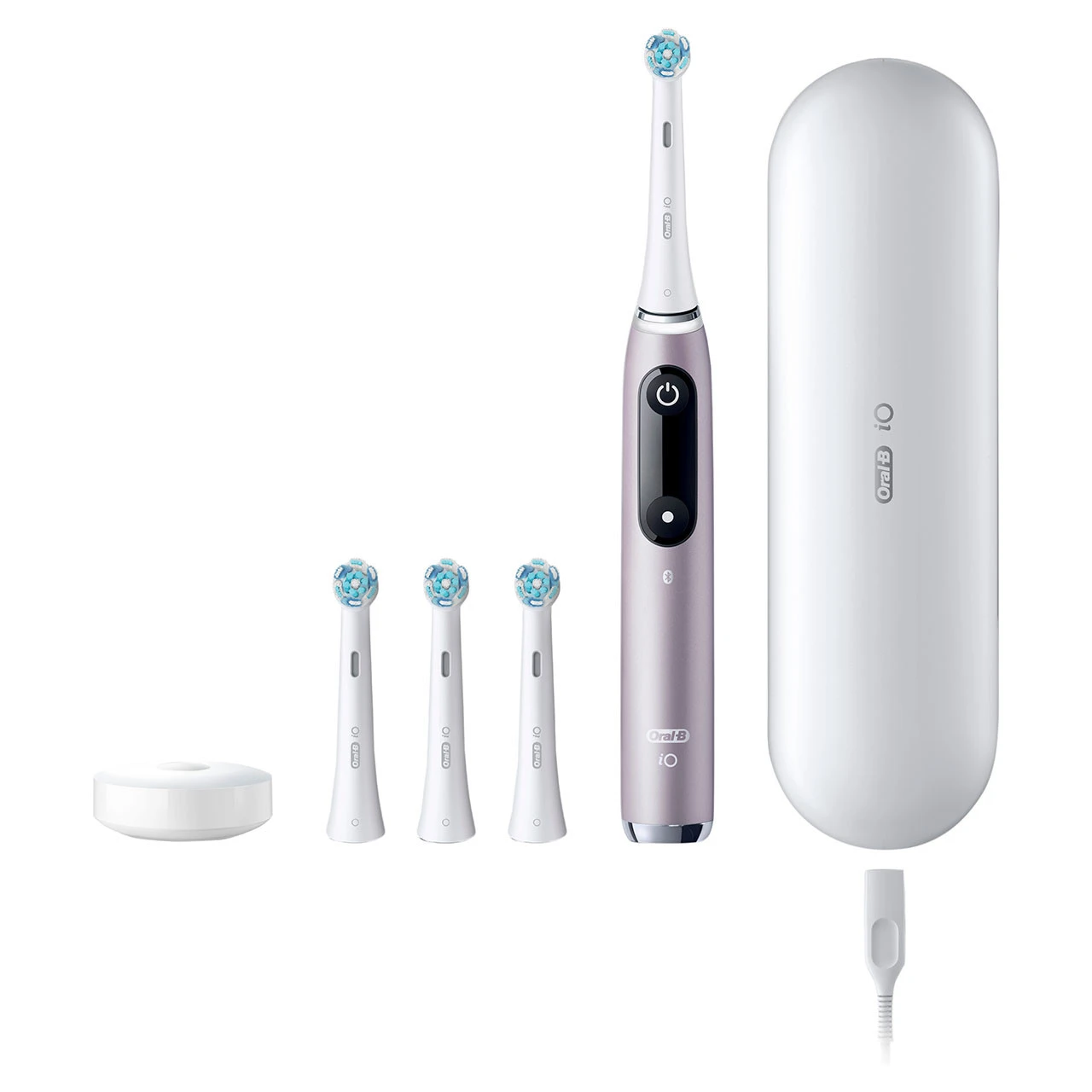
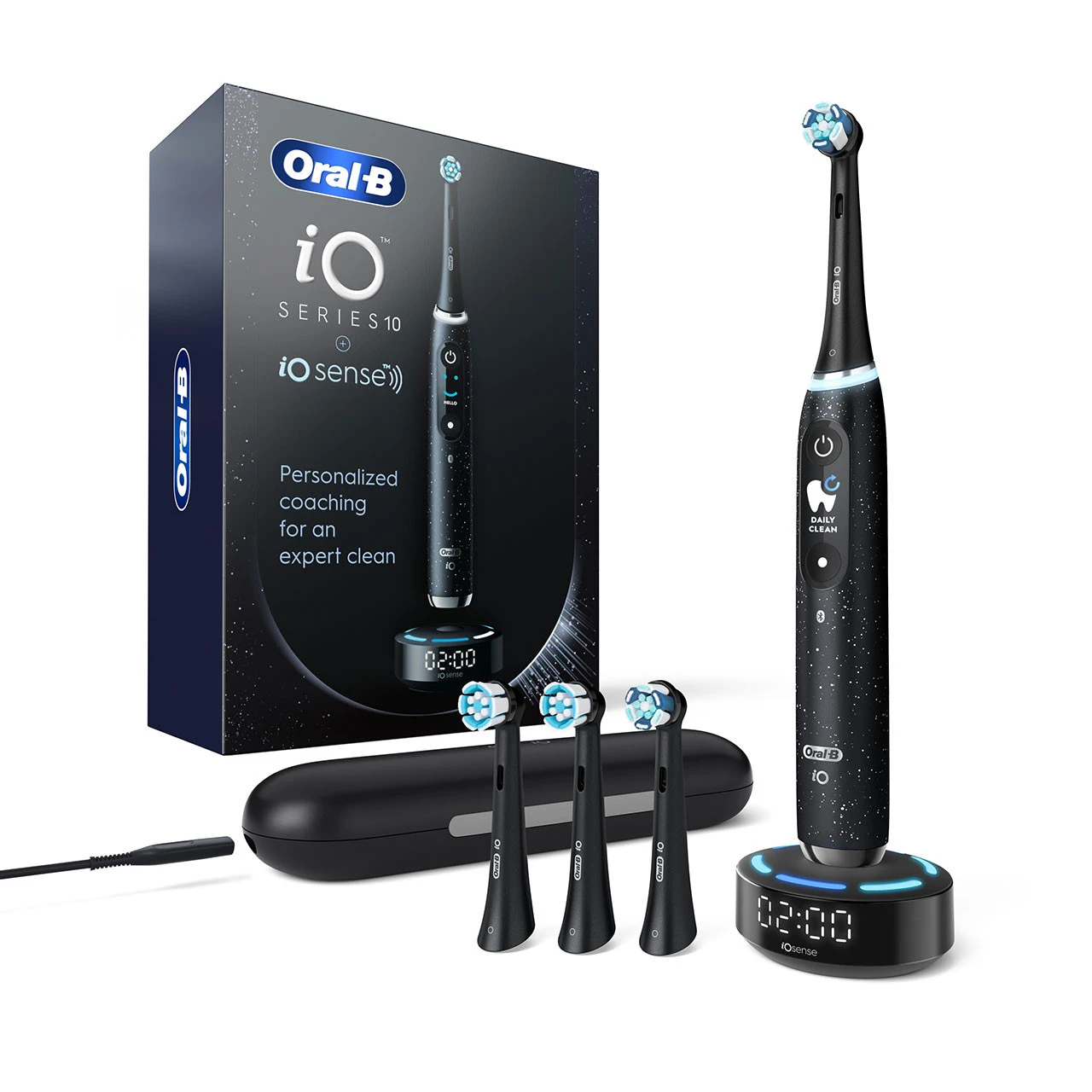
- (2) Oral-B iO Series 9 Electric Toothbrush. Height: handle + brush head: 9.25 in, 24.5 cm; handle only: 7.2 in, 18.3 cm. Weight: handle + brush head: 4.4 oz, 124 g; handle only: 4.1 oz, 117 g.
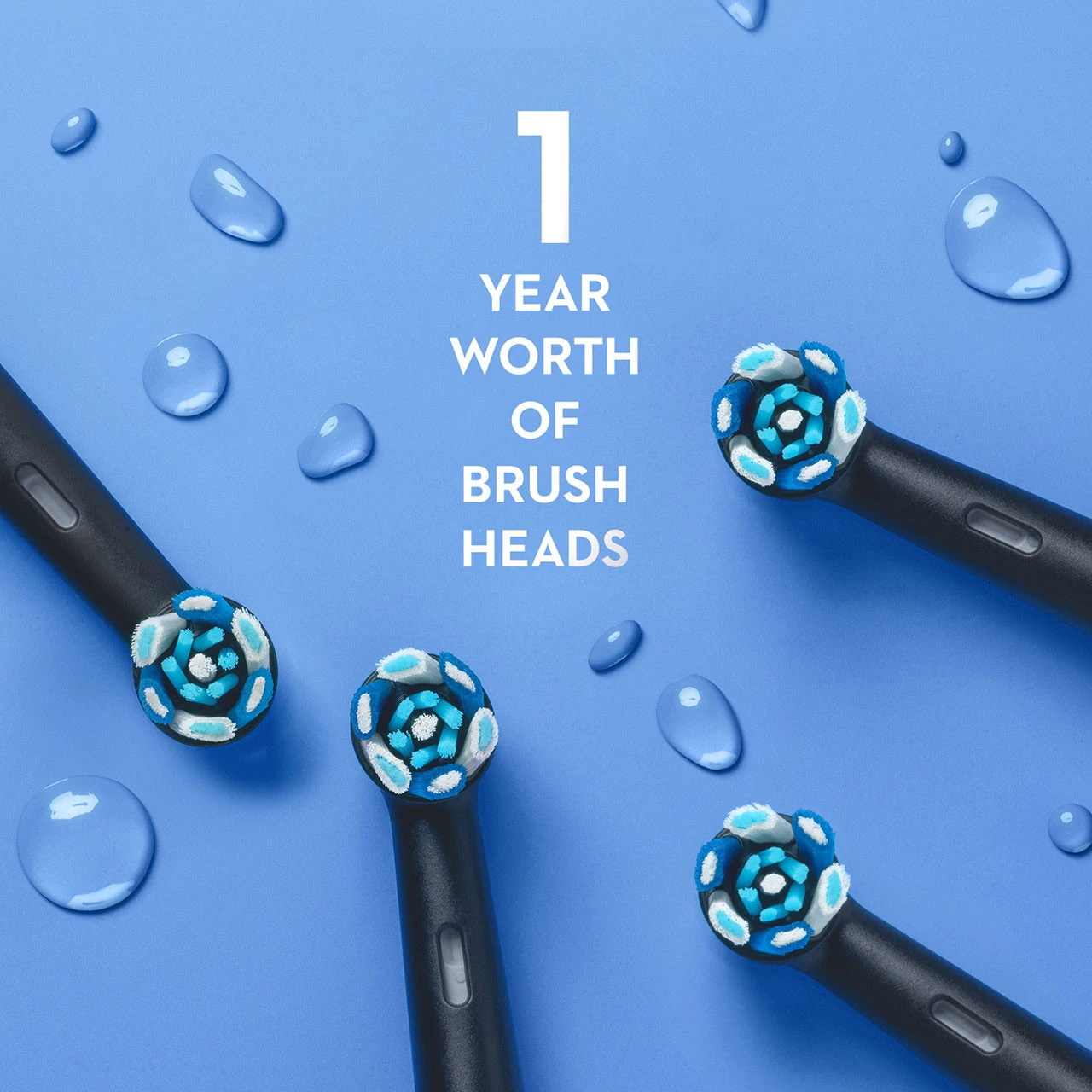
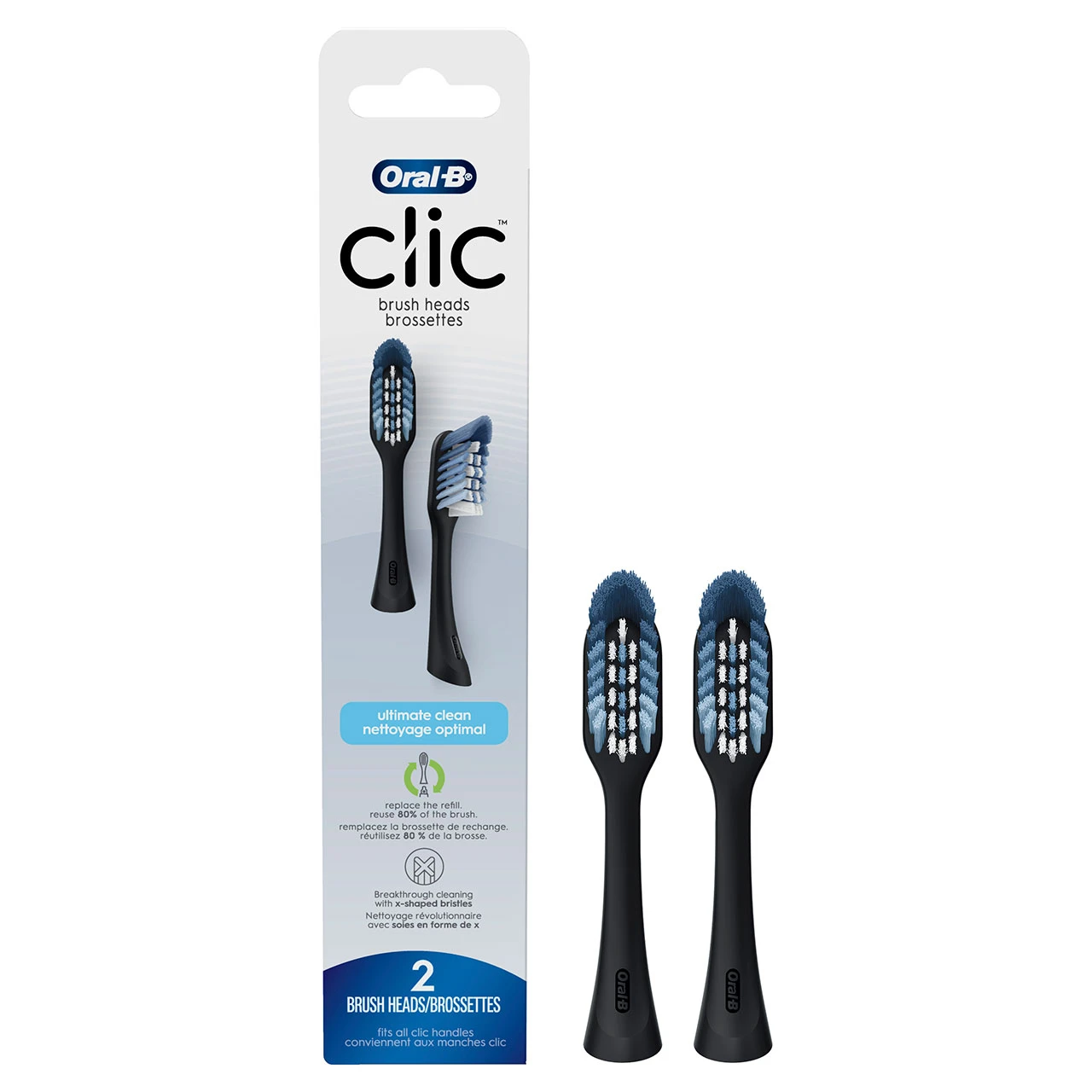
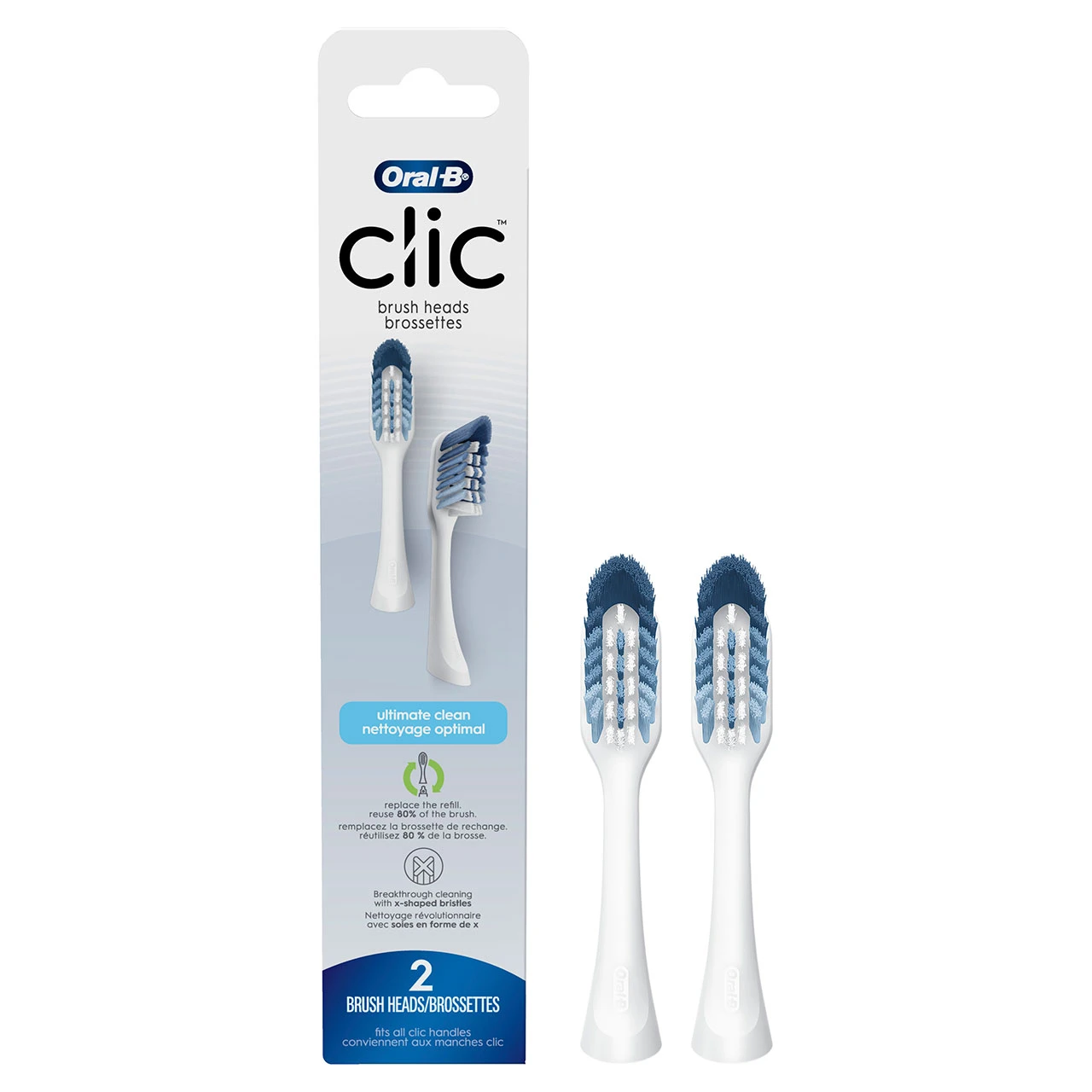
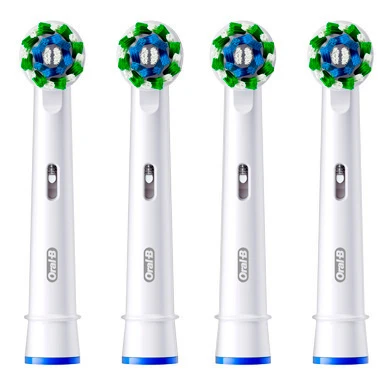
- (8) Oral-B iO Ultimate Clean Replacement Brush Heads
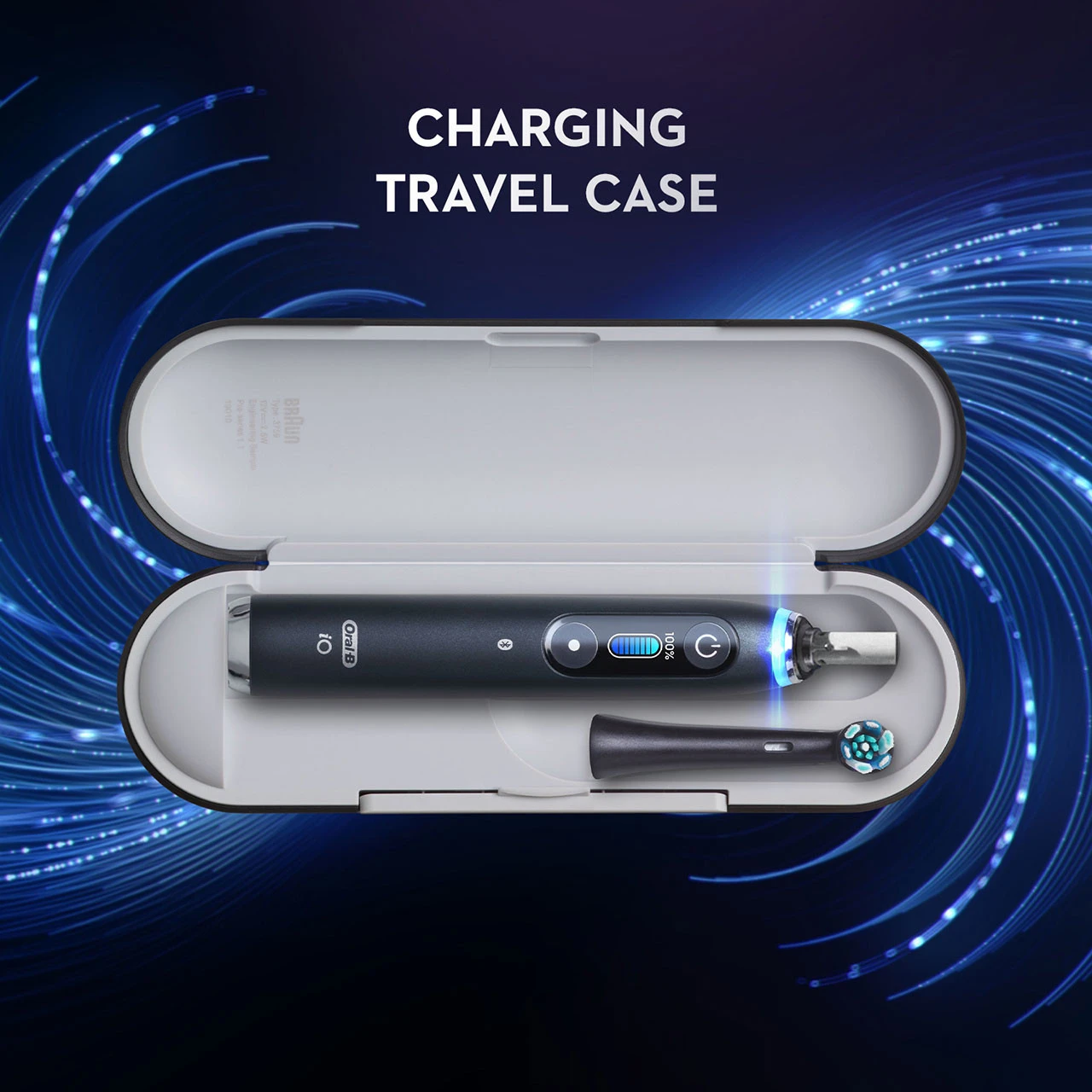
- Power2Go Charging Travel Case with charging cord
- Magnetic Charger .
• Ebony 2026 Beauty + Grooming Awards: Ebony Beauty and Grooming Awards Best Tools
• HuffPost Shopping Awards 2026: Every Winning Product Featured In HuffPost’s Shopping Awards | HuffPost Life
• The Best Toothbrushes for Gum Health | Oral-B
How long does an Oral-B iO Series 9 battery last?
The Oral-B iO Series 9 uses a long-lasting rechargeable lithium-ion battery designed for extended use between charges. It also has a low-charge indicator, so you’ll know when it’s time to recharge.
How do I change the language on Oral-B iO Series 9?
To change the language on your Oral-B iO Series 9, follow these steps:
- Make sure your toothbrush is switched on.
- On the interactive display, tap the Settings (gear) icon.
- Scroll through the menu until you find the Language option.
- Select the Language option and then scroll through the available languages.
- Tap on your preferred language to confirm the change.
What are the 7 brushing modes available on the Oral-B iO Series 9?
The 7 brushing modes available on the Oral-B iO Series 9 are Daily Clean, Whiten, Gum Care, Sensitive, Super Sensitive, Intense, and Tongue Clean.
Does the Oral-B iO Series 9 offer 3D teeth tracking for better coverage?
Yes. The Oral-B iO Series 9 uses 3D Teeth Tracking to help guide whole mouth coverage.
Can the Oral-B iO Series 9 sync with Apple Health or other fitness apps?
Yes, the Oral-B iO Series 9 can sync brushing data with Apple Health, but it does so through the Oral-B App. Once you pair your toothbrush with the app via Bluetooth, you can enable integration with Apple Health to automatically share your brushing statistics. However, direct syncing with other fitness apps may not be available.
How do I turn off the Oral-B iO Series 9 electric toothbrush?
The Oral-B iO Series 9 doesn’t feature a dedicated manual off button like some other models. Instead, it’s designed to power down automatically once you complete your brushing session or after a period of inactivity. Here are a couple of points to consider:
- When you press the power button to start brushing, the brush will run for the set cycle, typically two minutes, and then automatically shut off.
- If you decide to stop brushing before the cycle ends, you can usually press the power button briefly. This action will end the brushing session, and the toothbrush will then power down shortly afterward.
- Alternatively, placing the toothbrush back on its charging station is a good way to ensure it’s not active.
Reviews
There are no reviews yet.